Themes & Dark Mode
Zen Reporter offers versatile design themes and real-time light/dark mode switching, giving engineers and stakeholders an adaptable, high-contrast visual experience in any work setting.
🎨 Design Themes
Section titled “🎨 Design Themes”Zen Reporter features three pre-built design themes built with WCAG-compliant color tokens and CSS variables:
| Theme Name | Style Description | Accent Palette |
|---|---|---|
Cafe (Default) |
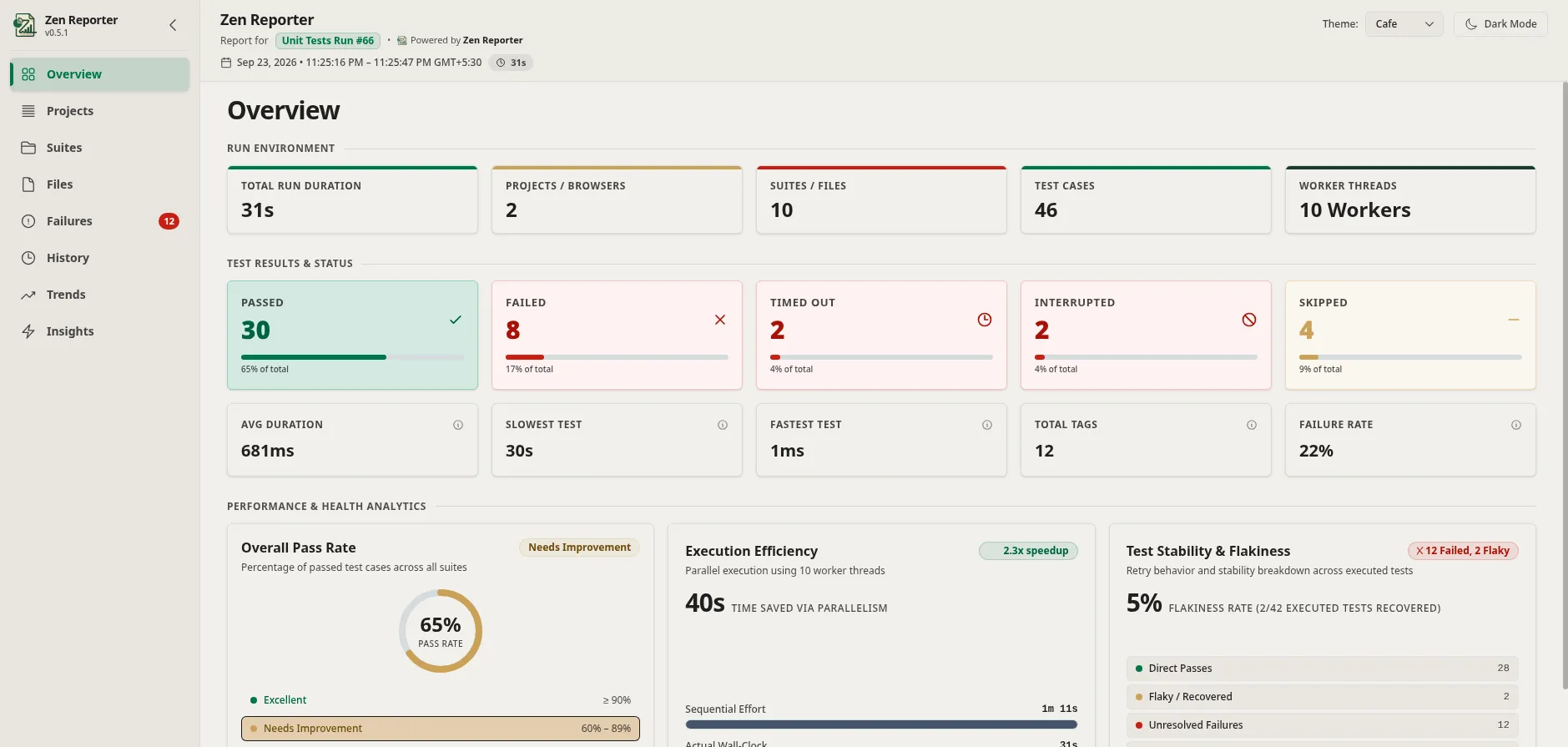
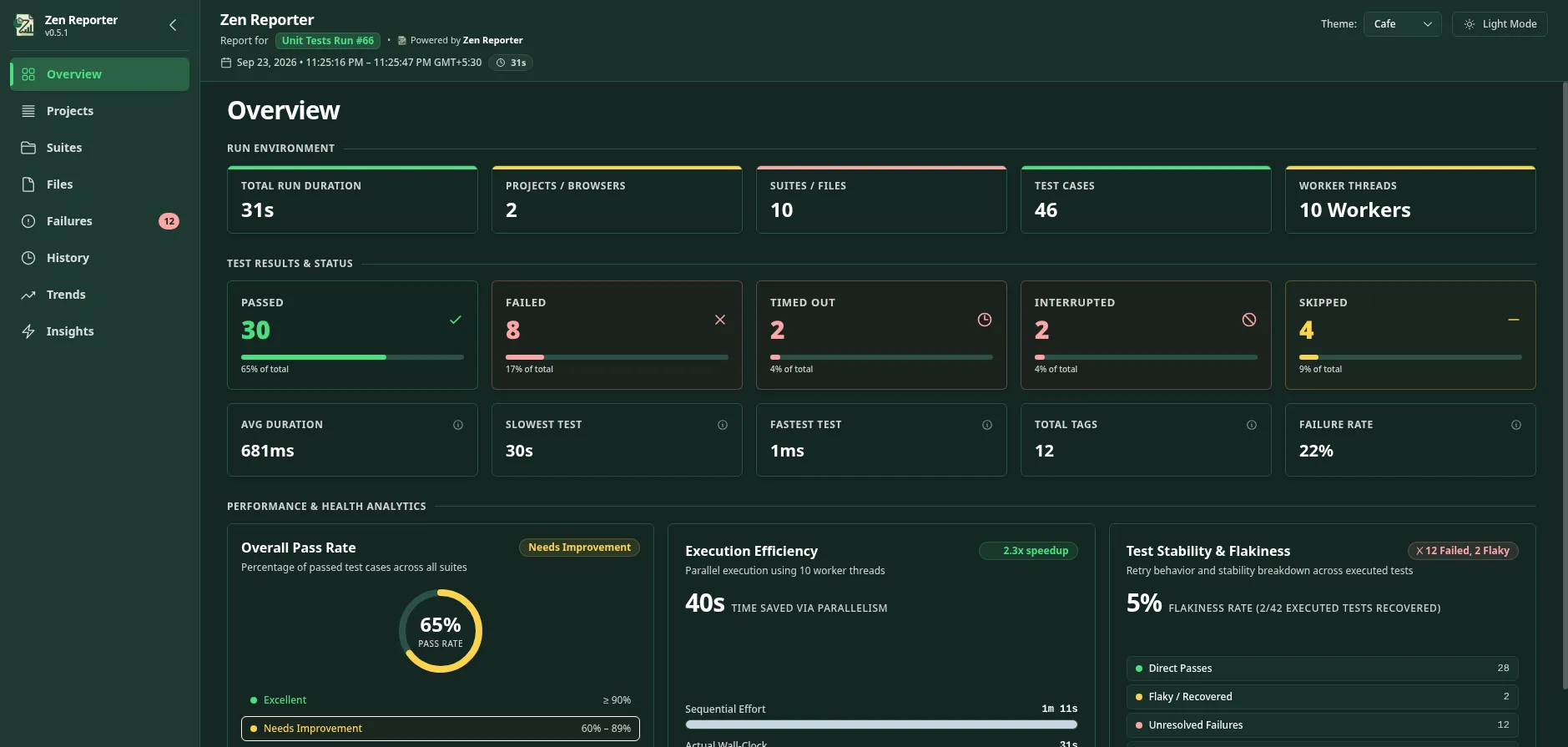
Warm, approachable theme featuring a four-tier green brand system layered over a warm cream canvas - inspired by Starbucks’ color palette. | Starbucks Green / Cream |
Concept |
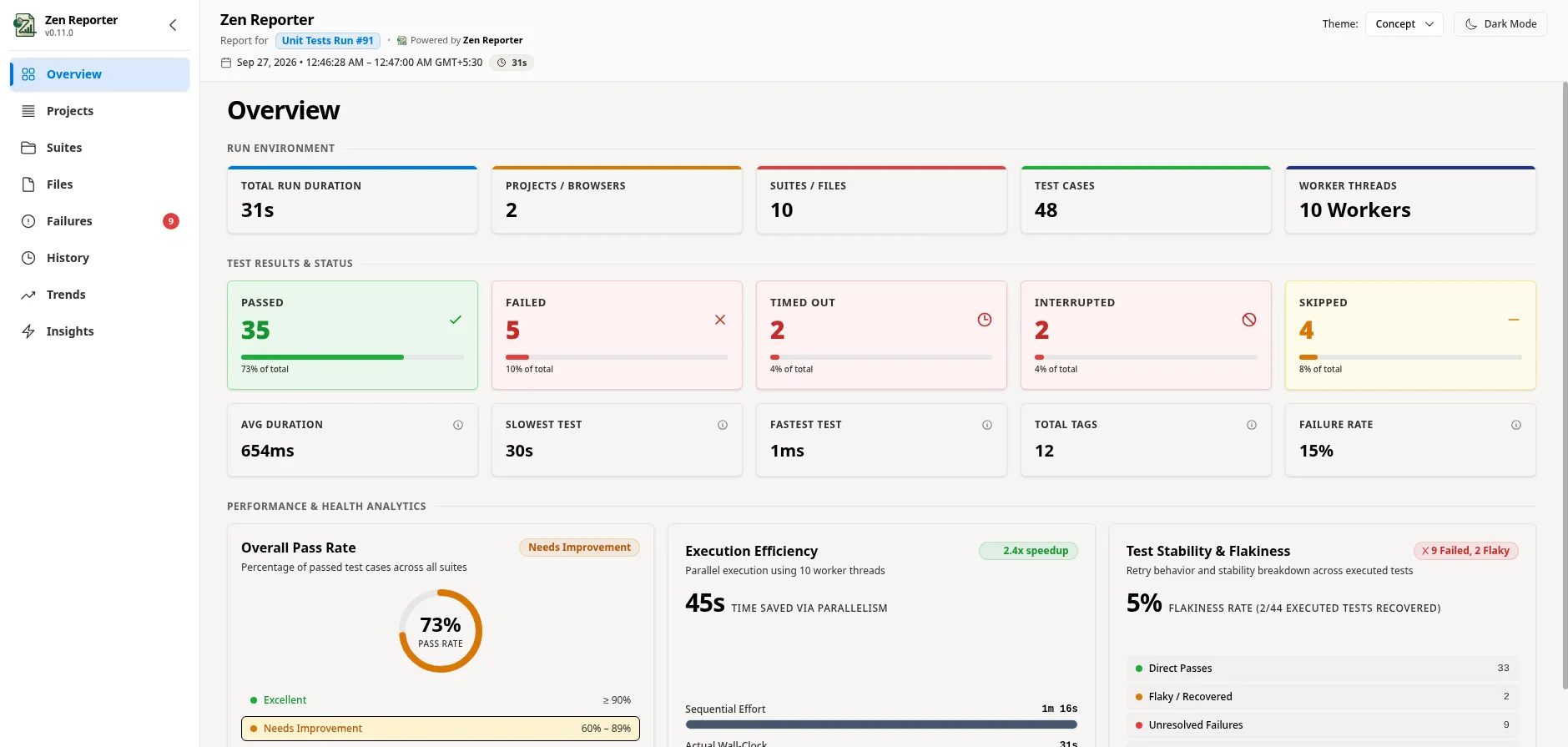
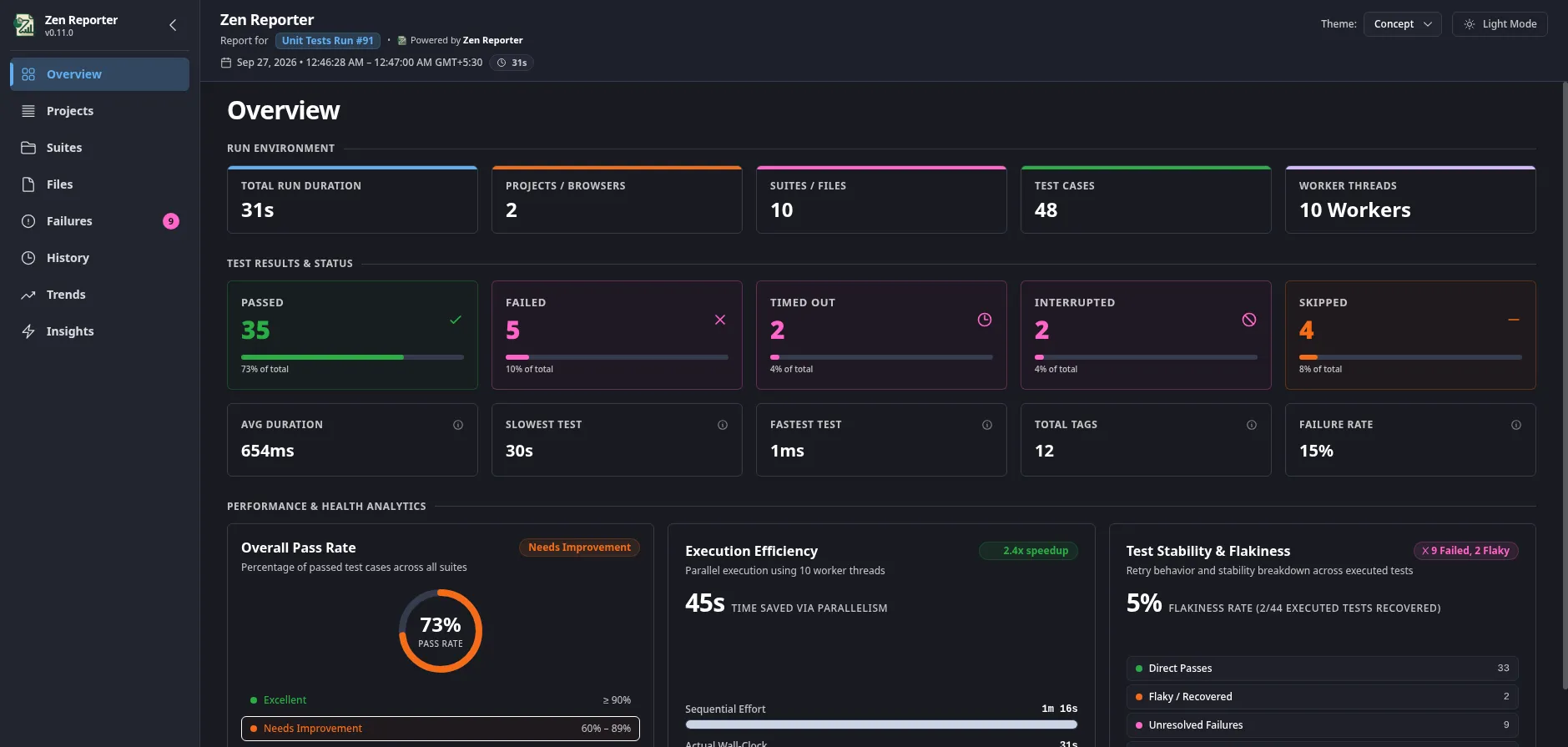
Modern tech theme with vibrant indigo/slate UI surfaces - inspired by Notion’s color palette. | Indigo / Slate |
Sentinel |
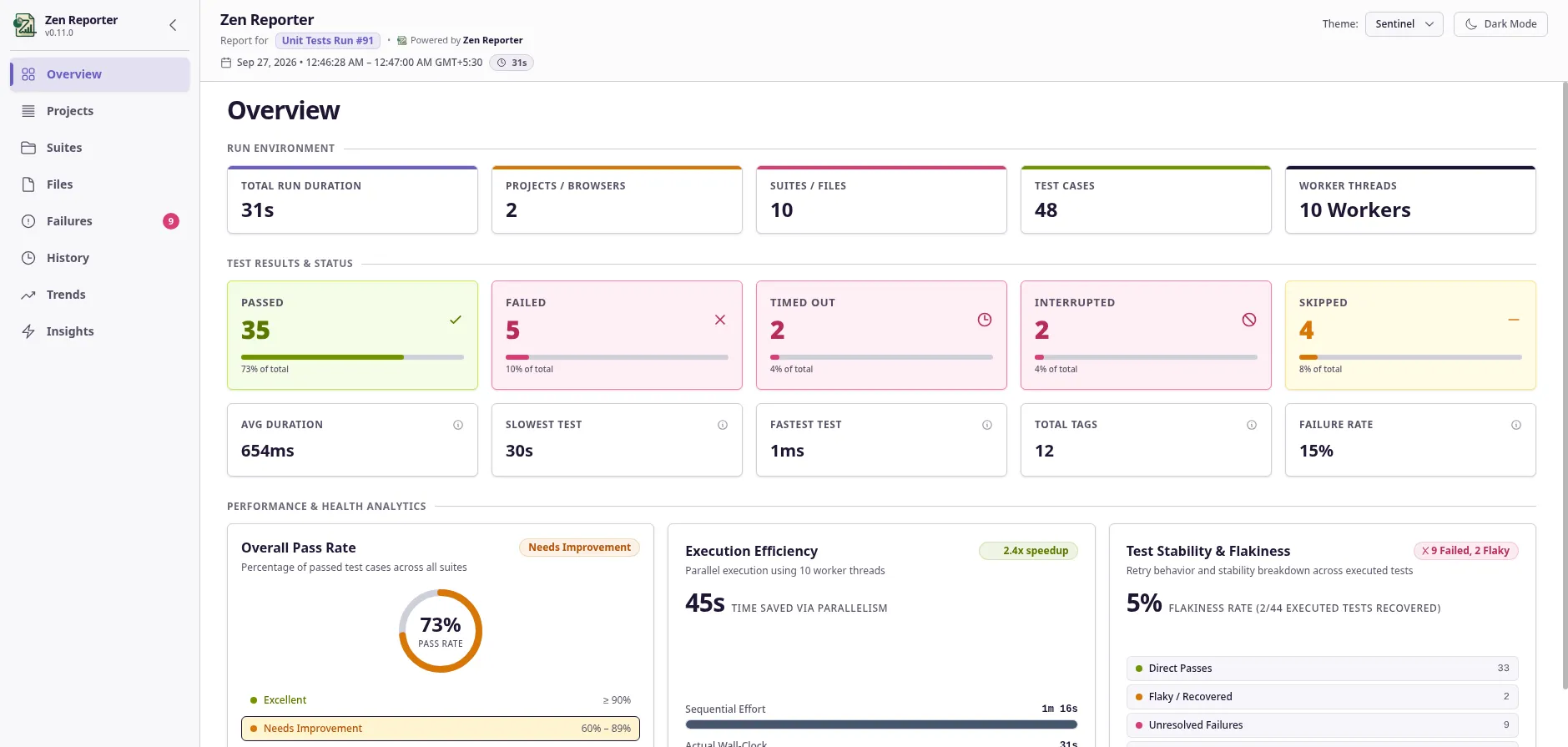
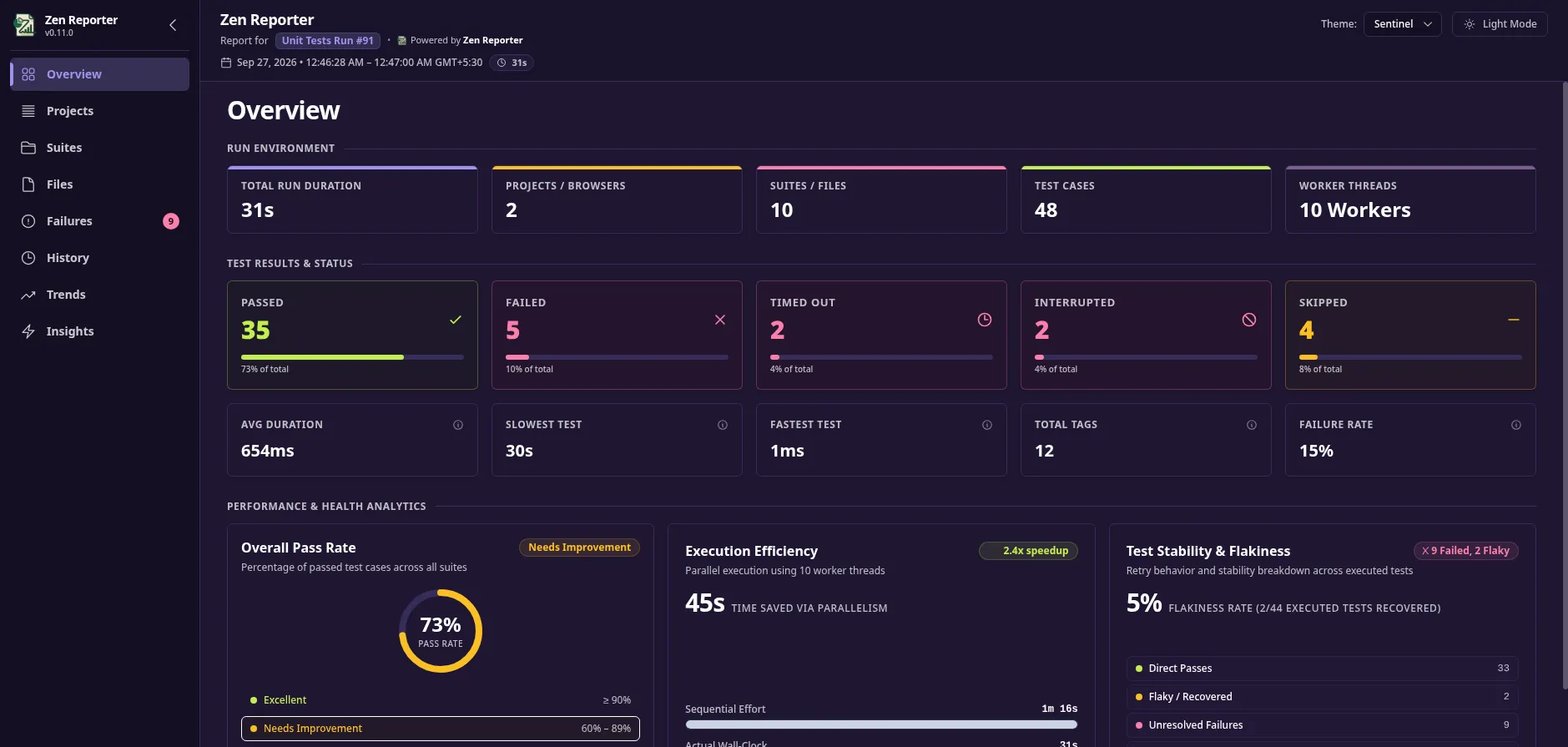
High-contrast cybersecurity theme utilizing deep purple-violet midnight canvas and crisp warning accents - inspired by Sentry’s color palette. | Purple-Violet / Navy |
Cafe Theme
Section titled “Cafe Theme”Light mode:
Dark mode:
Concept Theme
Section titled “Concept Theme”Light mode:
Dark mode:
Sentinel Theme
Section titled “Sentinel Theme”Light mode:
Dark mode:
⚙️ Initial Theme & Dark Mode Setup
Section titled “⚙️ Initial Theme & Dark Mode Setup”Set default theme preferences in your playwright.config.ts:
import { defineConfig } from "@playwright/test";
export default defineConfig({  reporter: [    [      "@arpanp/zen-reporter",      {        theme: "Concept", // 'Cafe' | 'Concept' | 'Sentinel' (default: 'Cafe')        darkMode: true, // Set to true to initialize dashboard in Dark Mode      },    ],  ],});
🌓 Interactive UI Toggling
Section titled “🌓 Interactive UI Toggling”Regardless of the initial configuration set in playwright.config.ts, users viewing the report can toggle between light and dark modes or switch visual themes on the fly:
- Dark Mode Button: Located in the top navigation header bar to switch between Light Mode and Dark Mode instantly.
- Theme Selector Dropdown: Switch between
Cafe,Concept, andSentinelthemes dynamically without reloading the report.