
Feature Guide: Visual Regression Diff Viewer
Playwright screenshot assertion tests (expect(page).toHaveScreenshot()) generate image comparison attachments when visual diffs occur. Zen Reporter embeds a dedicated Visual Regression Diff Viewer directly within the test detail modal.
🖼️ Comparison View Modes
Section titled “🖼️ Comparison View Modes”When a visual regression failure occurs, Zen Reporter automatically extracts image attachment pairs (actual / received, expected / baseline, and diff) and presents 4 interactive inspection modes via top toolbar buttons: Slider, 2-Up, Diff Overlay and Onion Skin.

🔍 Detailed View Modes
Section titled “🔍 Detailed View Modes”1. Interactive Image Slider (Slider)
Section titled “1. Interactive Image Slider (Slider)”- Interactive Split-Screen: Superimposes the Expected (Baseline) and Actual (Received) images directly on top of each other with a central draggable vertical divider handle
< >. - Precision Drag Inspection: Drag the slider handle horizontally across the viewport canvas to continuously reveal pixel-perfect differences between baseline and actual test snapshots.
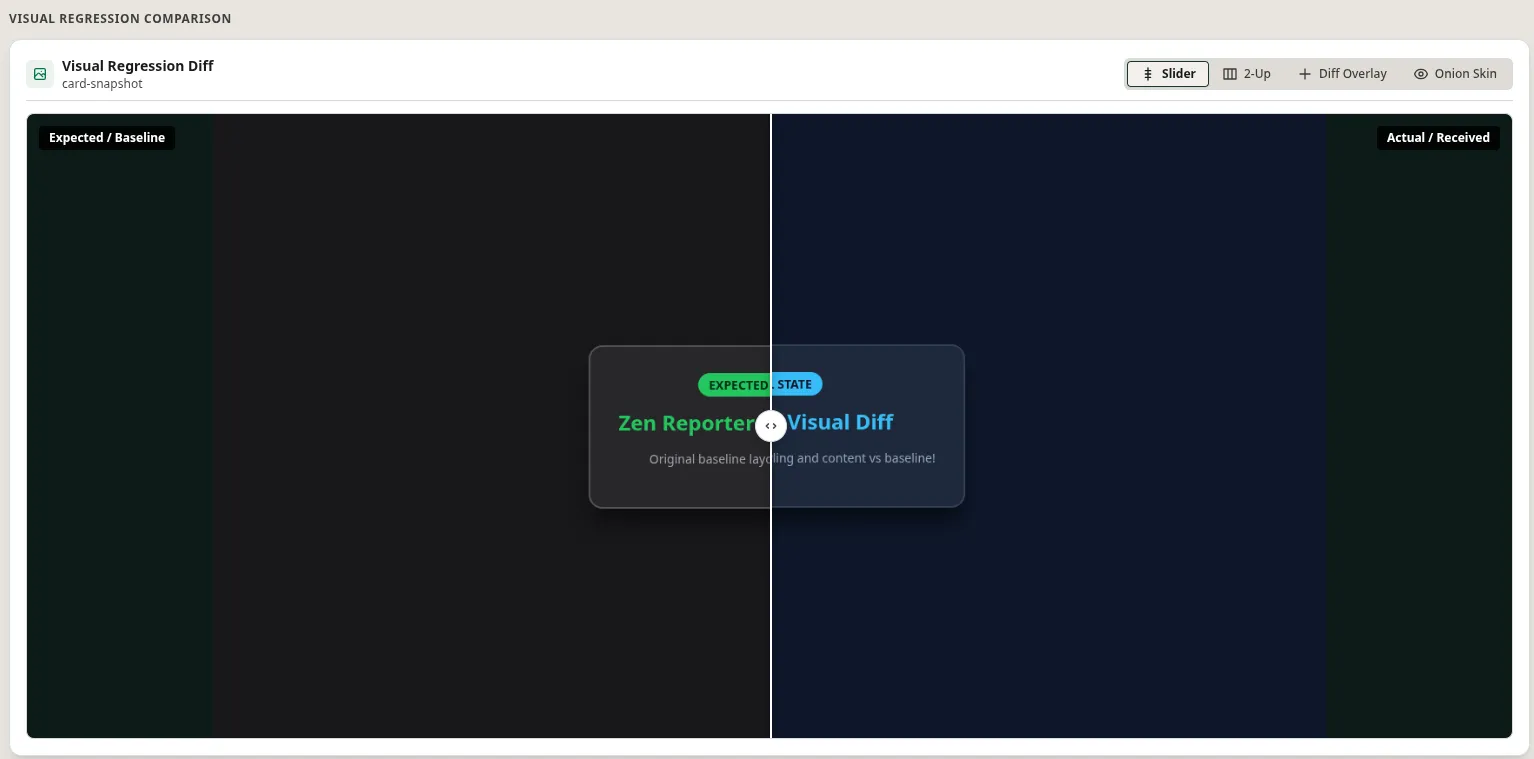
2. Side-by-Side 2-Up Viewer (2-Up)
Section titled “2. Side-by-Side 2-Up Viewer (2-Up)”- Dual-Pane Grid Layout: Displays the Expected / Baseline image and Actual / Received image side-by-side in synchronized image frames.
- Use Case: Enables quick side-by-side visual comparison of structural layout shifts, element positioning changes, or broad content updates across viewports.
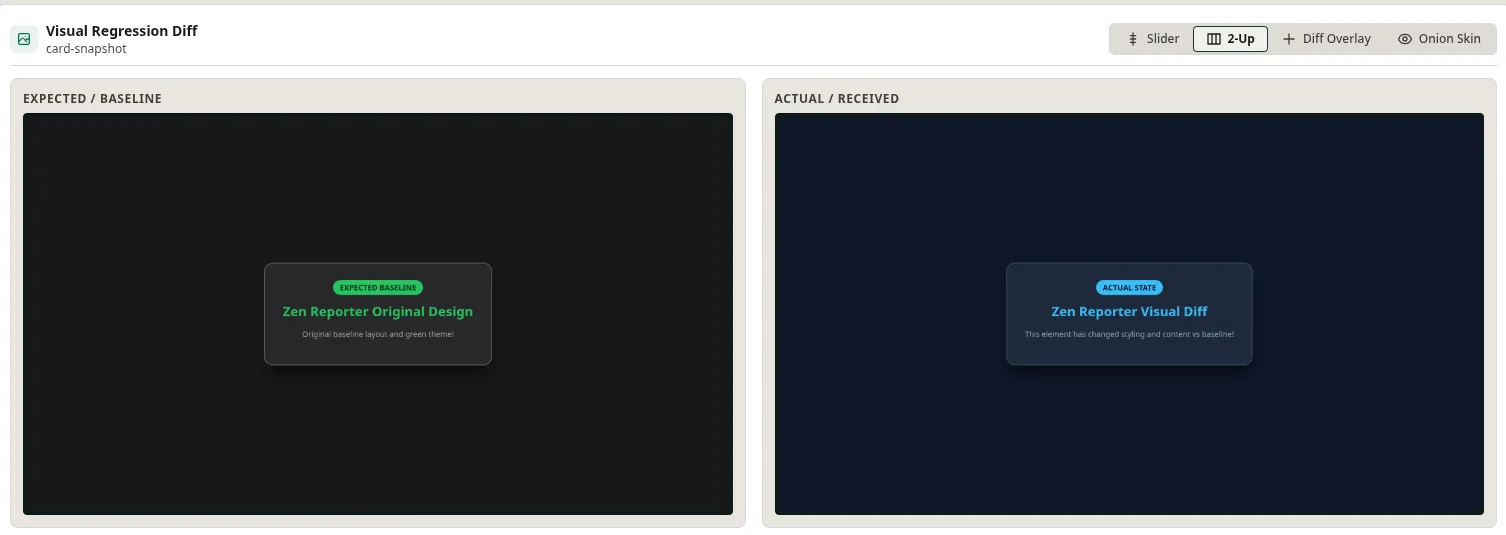
3. Difference Highlight Overlay (Diff Overlay)
Section titled “3. Difference Highlight Overlay (Diff Overlay)”- Pixel Difference Overlay: Superimposes Expected and Actual image layers with highlights to clearly distinguish baseline elements from actual test output.
- Visual Error Isolation: Instantly pinpoints exact pixel-level color, text, or boundary deviations that caused screenshot assertion failures.
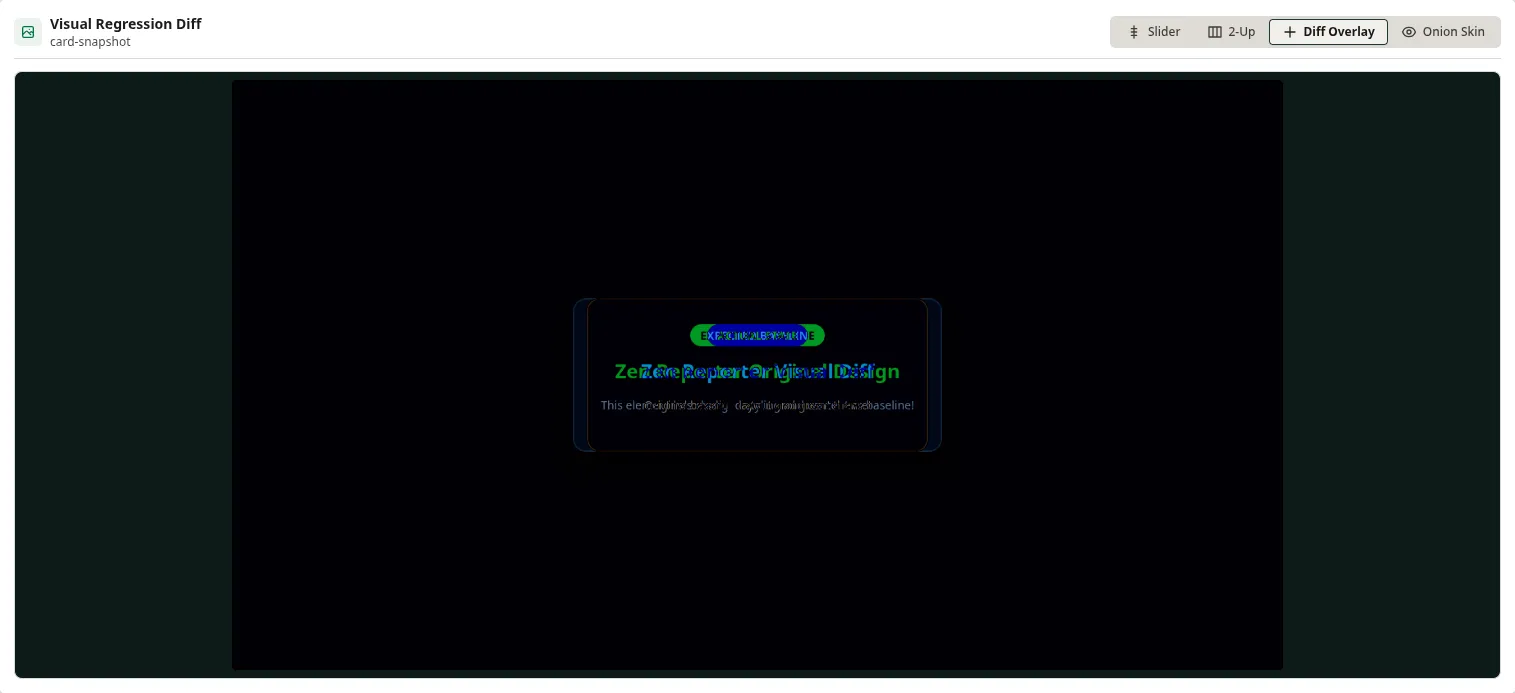
4. Onion Skin Transparency Blend (Onion Skin)
Section titled “4. Onion Skin Transparency Blend (Onion Skin)”- Variable Opacity Blending: Blends the Actual / Received image over the Expected / Baseline image using an interactive transparency slider.
- Subtle Shift Detection: Allows smooth opacity fading between baseline and current state to detect subtle element misalignments, font weight shifts, or padding changes.
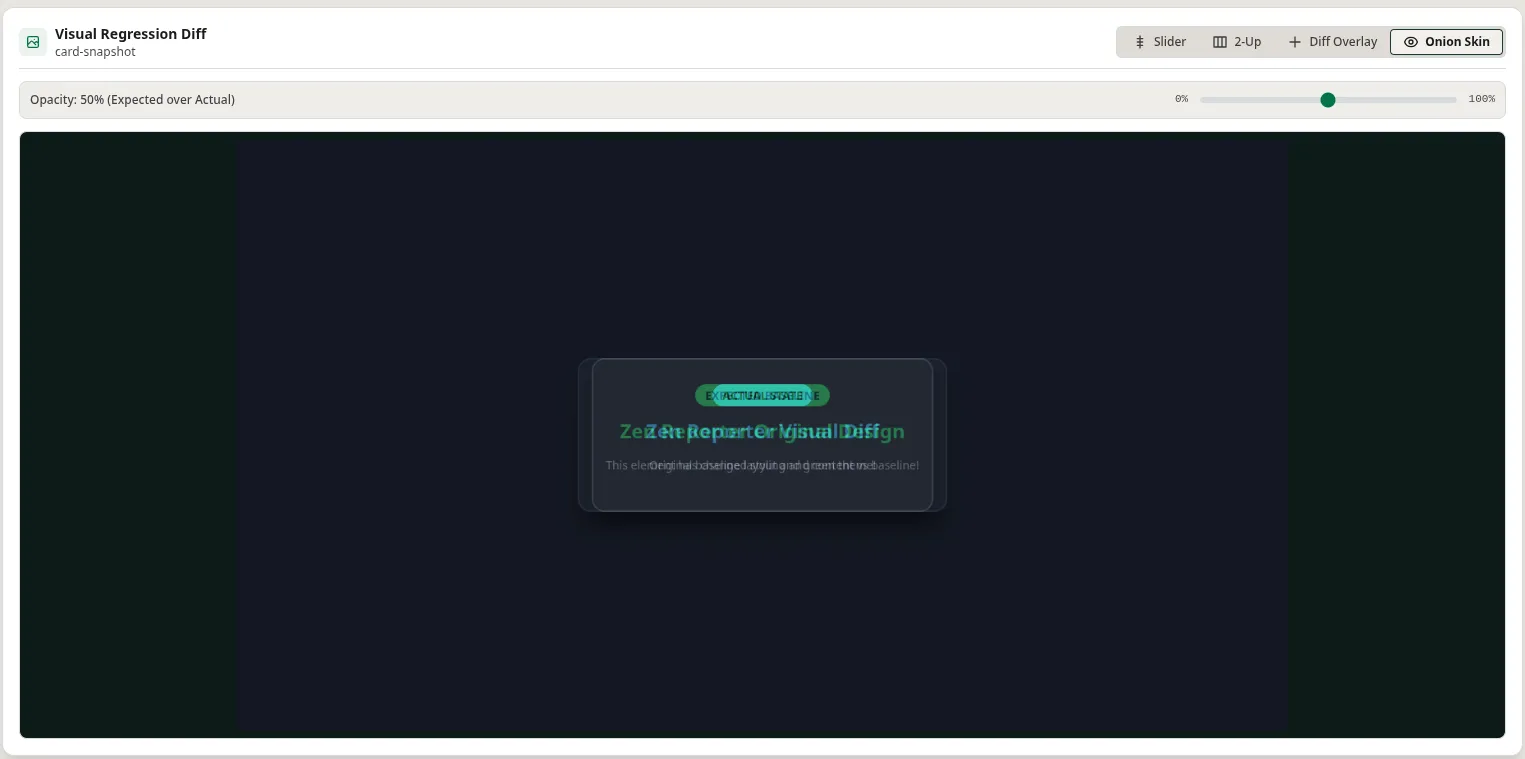
💡 Configuring Playwright for Visual Regression
Section titled “💡 Configuring Playwright for Visual Regression”To ensure visual diff attachments are captured by Zen Reporter, configure Playwright screenshot assertions in your specs:
import { test, expect } from '@playwright/test';
test('Homepage visual regression check', async ({ page }) => {  await page.goto('https://example.com');
  // Captures screenshot and compares against baseline image  await expect(page).toHaveScreenshot('homepage-baseline.png', {    maxDiffPixelRatio: 0.05,  });});
Zen Reporter will automatically detect .png / .jpg attachments with matching baseline and diff filenames and enable the Visual Diff Viewer.